
Game controllers, Racing simulators


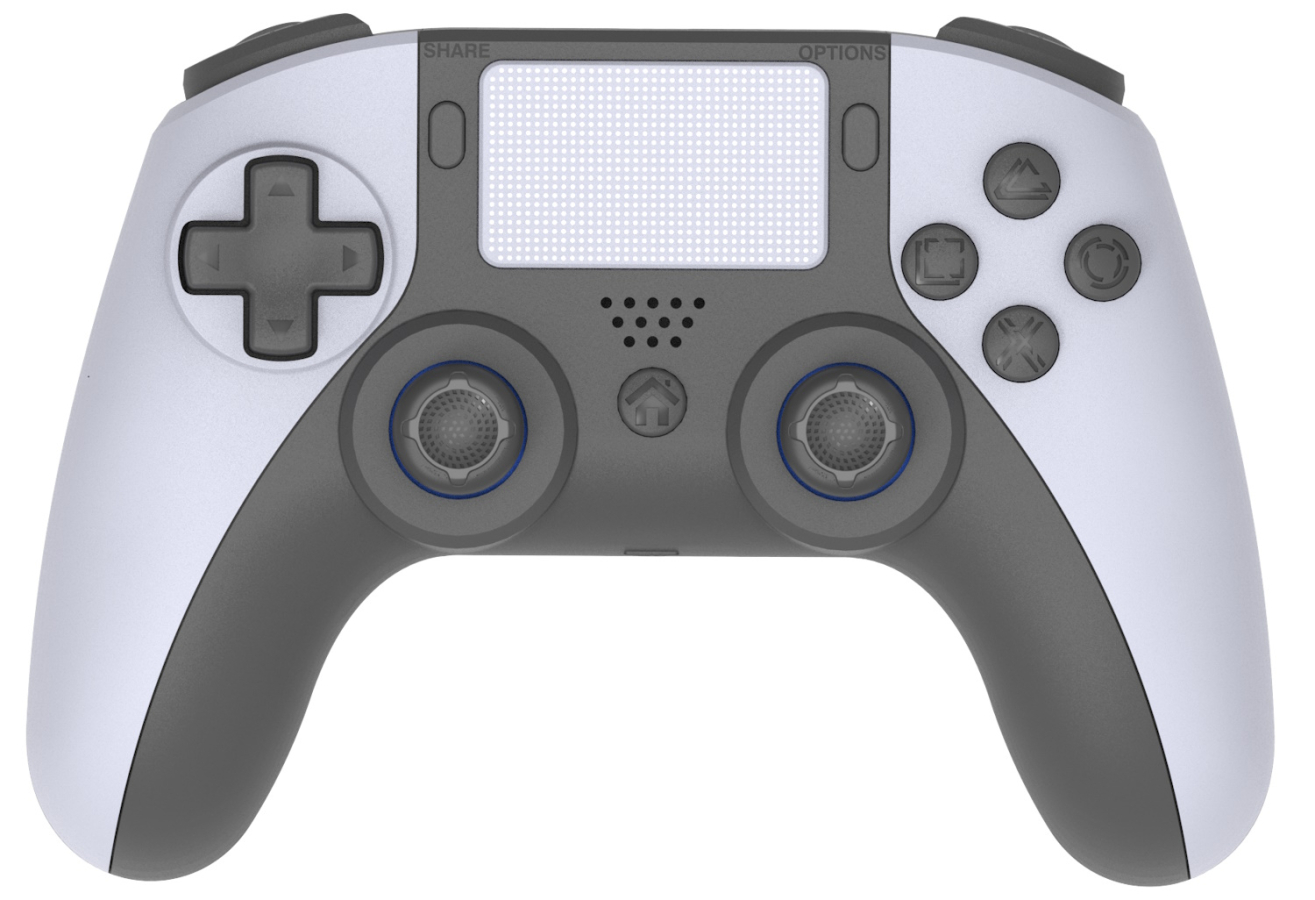
Wireless Game Controller GameBox Analog Wirless Game Controller for PS5 - Play Station 5 Dual
Double vibration, six-axis sensor, touchpad, programmable buttons, Hall Sensor 3D joystick
Turn on the PS5 console. Ensure the controller is in sleep mode.
Use the provided Type-C USB cable to connect the controller to the console to complete the pairing process.
Once pairing is successful, press the P5 button to activate the wireless connection.
Unplug the USB cable, and the controller will seamlessly operate in wireless mode.
Connect the controller to your PC using the provided USB cable for instant functionality.
Before using the audio function on the PS5 console, ensure the "Use USB Cable" setting is turned on.
Navigate to Settings > Accessories > Controller (General) > Communication Method, and select "Use USB Cable" to enable the feature.
Unlike the original PlayStation 5 controller, the built-in 3.5mm audio jack does not support wireless audio connections.
The audio jack works only when the controller is connected to the console using the long USB-C cable provided.
The L and R trigger buttons are not adjustable as they are on the original PlayStation 5 controller.
They operate with standard push resistance settings, which is sufficient for 90% of users and rarely impacts gameplay.
This controller includes two extra programmable buttons, M1 and M2, offering enhanced customization options for gamers who prefer tailored controls.